
Digital agency
23
Globally
“Time gave us a calm, shared source of truth that keeps everyone rowing in the same direction”
— David Kravitz, CEO at Sliday
200k+
Hours logged50%
Faster leave & holiday approvals30%
Less time on manual updates
 Login
Easily request and approve leaves, get an overview of leaves within your team and set up company holidays.
Effortlessly track and manage holiday leaves, receive requests, give approvals. Stay organized and stress-free.
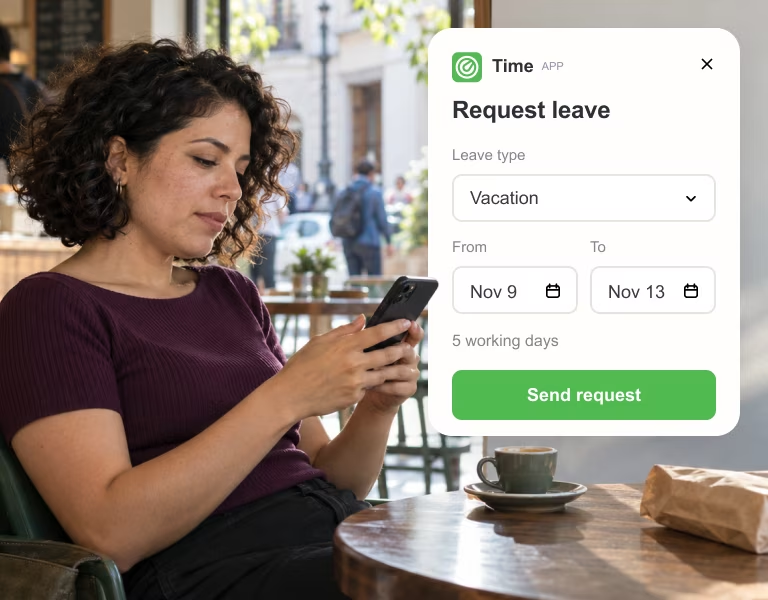
Track and review employee's leave requests directly from Slack
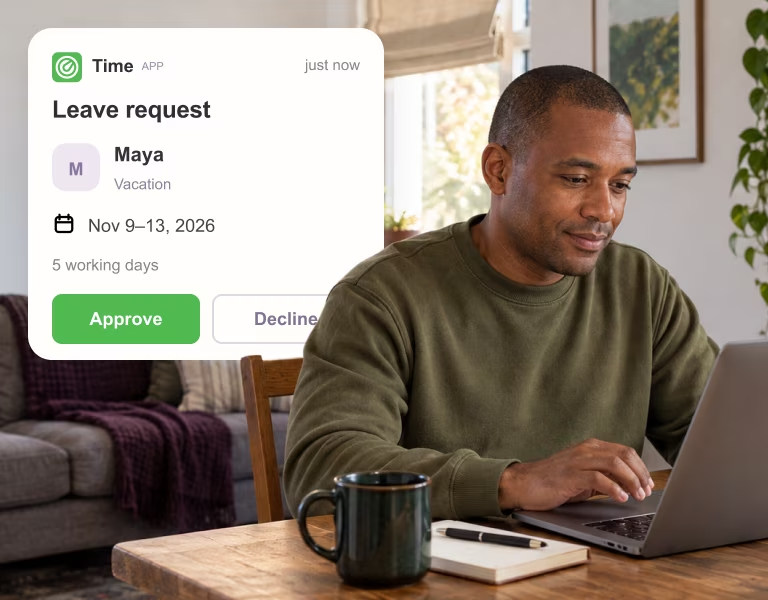
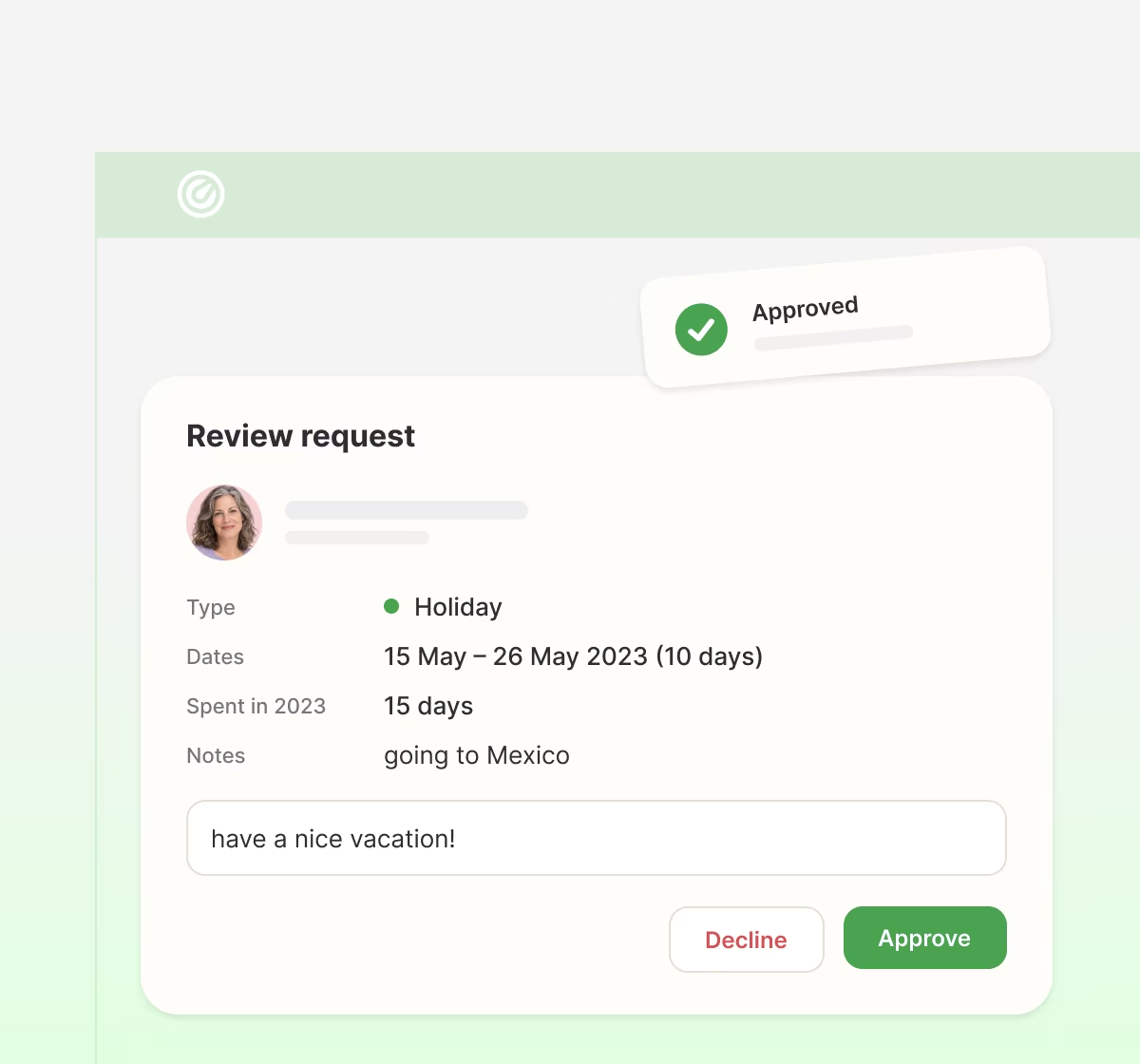
Check details and approve or decline the request

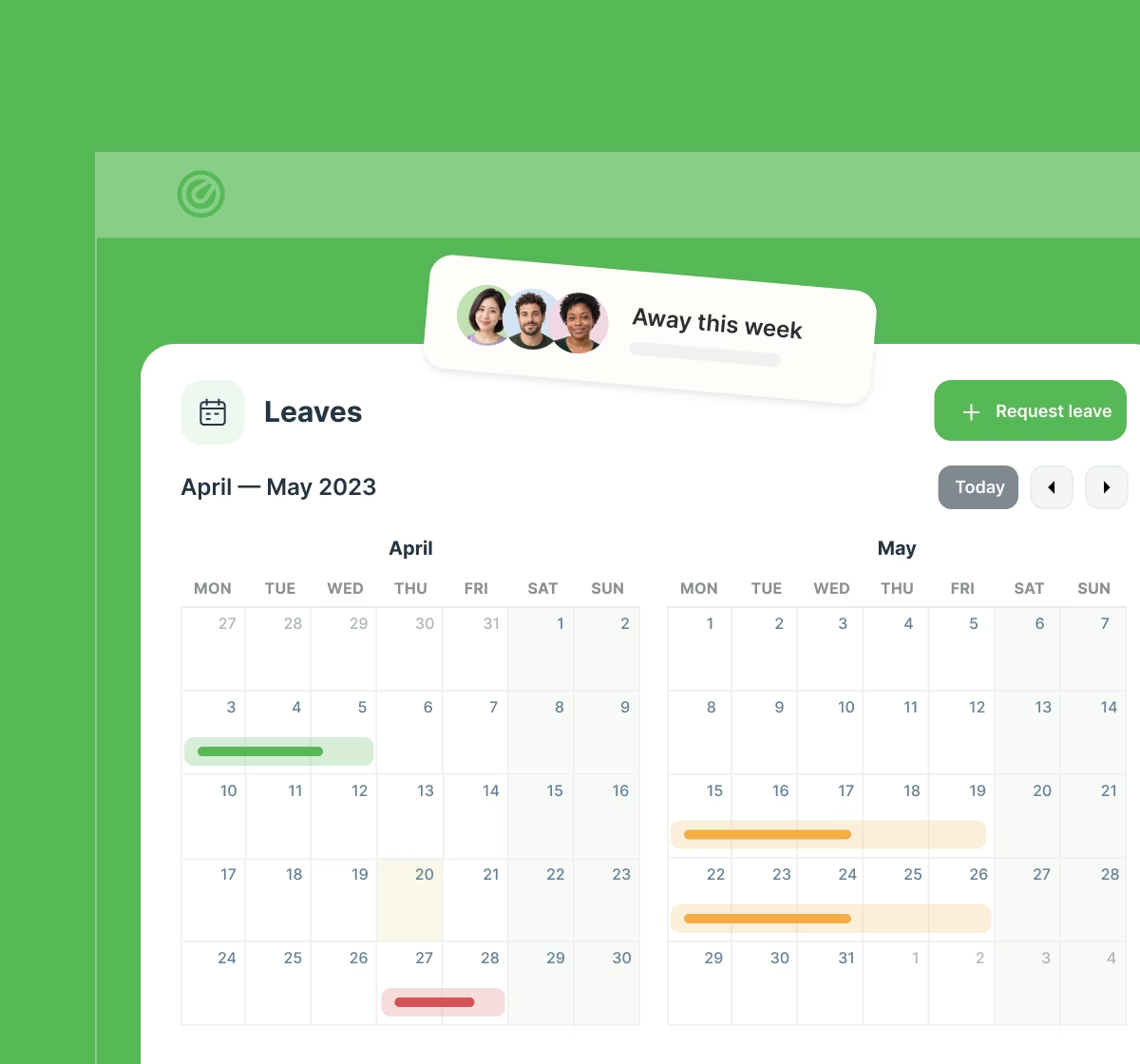
Once approved the request is integrated into the company holidays calendar
Process requests, grant or deny them, and view the organization's vacation calendar. Ensure accuracy and fairness.
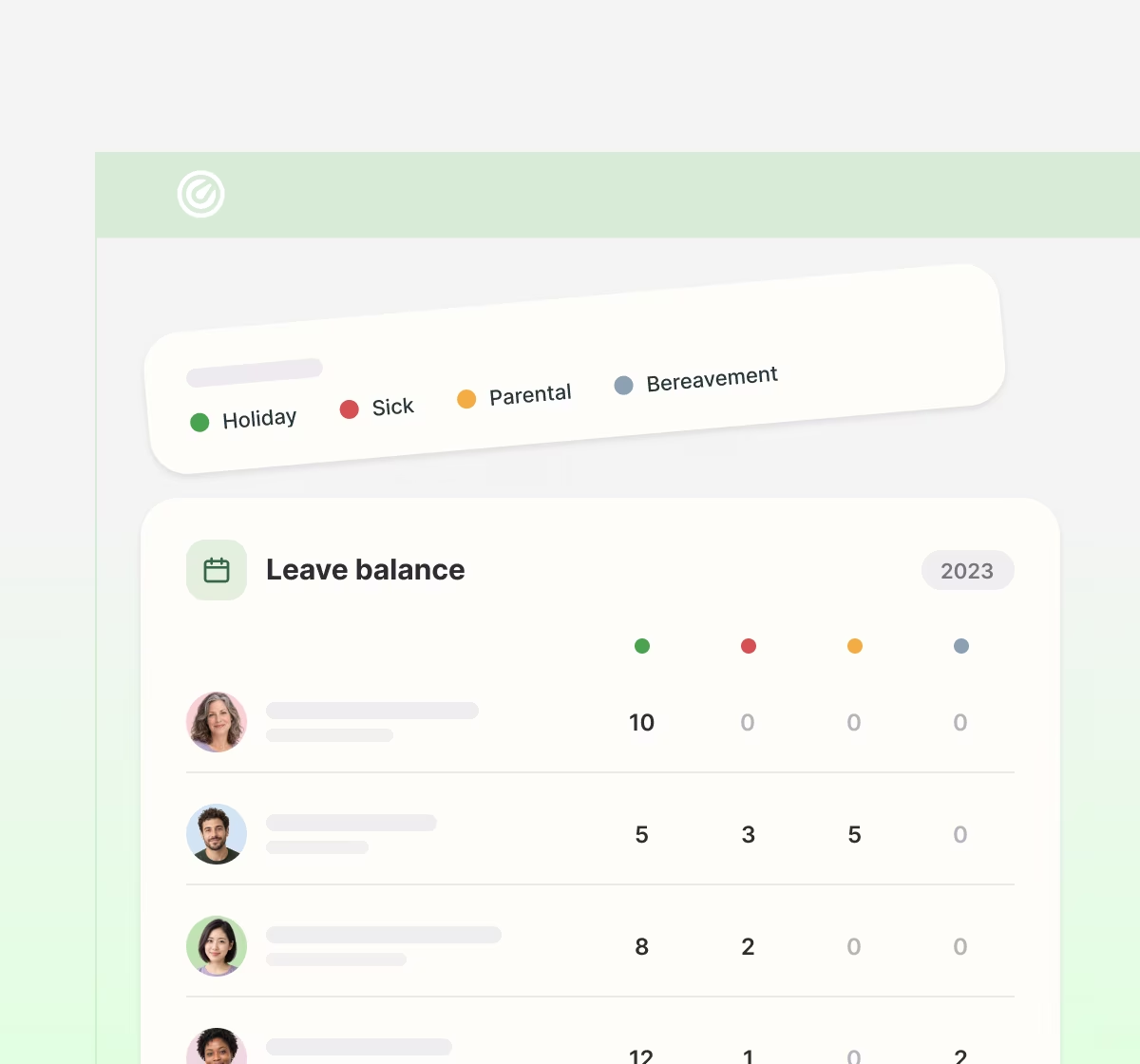
See how many days each teammate has taken, broken down by leave type: holiday, sick, parental and more.
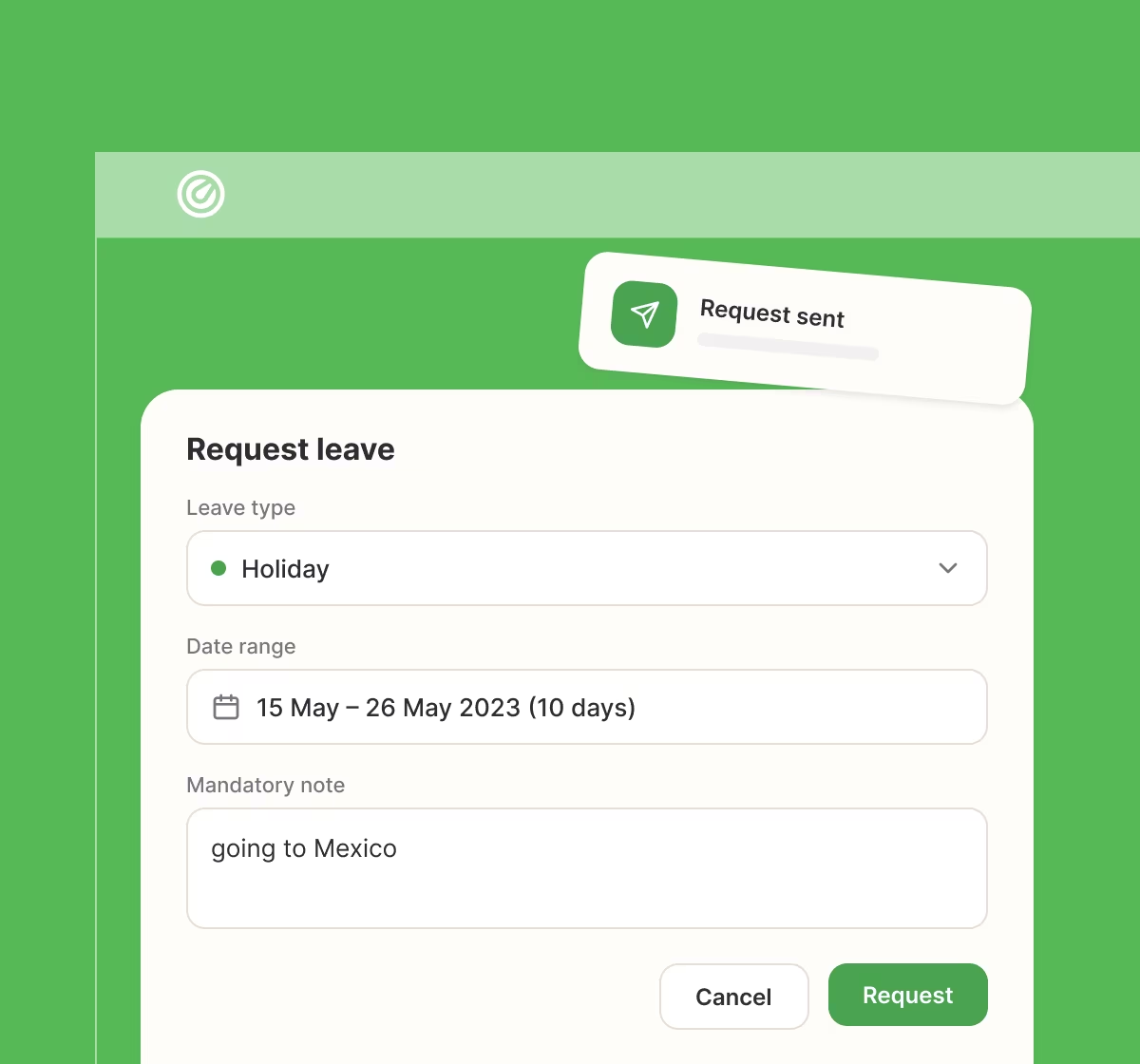
Choose the leave type and dates, add a note and send. The request goes straight to the manager for review.
Managers see the dates, notes and days already used, then approve or decline in one click, with an optional comment.
Approved leave appears on the team calendar automatically, so everyone can see who's away and plan around it.
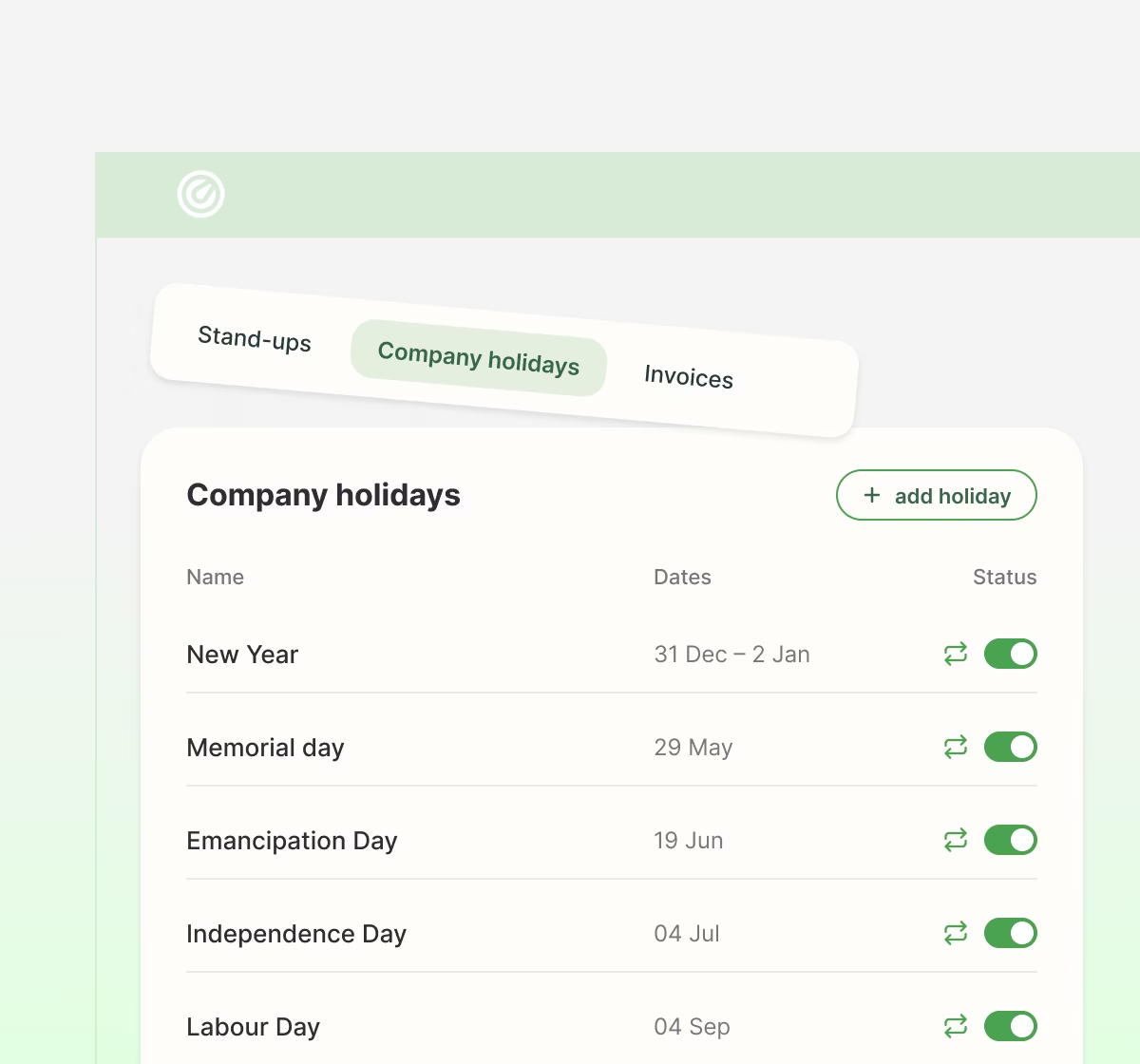
Set up public holidays and company-wide days off once, and they repeat every year automatically.
Digital agency
23
Globally
“Time gave us a calm, shared source of truth that keeps everyone rowing in the same direction”
— David Kravitz, CEO at Sliday
200k+
Hours logged50%
Faster leave & holiday approvals30%
Less time on manual updatesTime subscription plan is based on the number of members at your Slack's workspace.
 Unlimited usersTime-trackingInteractive dashboardTime-tracking reportsLeavesInvoicesPunctuality meterPriority support (24h response)Working time visualisedSingle Slack team is supportedTime-off managementProfessional invoices
If you're ready to get started with Time, add it to Slack and start your 7-day free trial. You can also explore the demo dashboard first.
